





IT and software support departments often operate under immense pressure. On one hand, they must handle a rising volume of customer tickets; on the other, they need to maintain high SLAs and user satisfaction. It’s a challenging task, especially when the ticketing system and ticket quality don’t support efficient workflows.
According to a 2024 Gartner report, 61% of support leaders say their teams are overwhelmed by repetitive queries; the average cost of handling an email-based ticket in the software industry is $2.93; and response time has the greatest impact on NPS (Net Promoter Score).
Table of Contents
Why traditional technical support falls behind the business
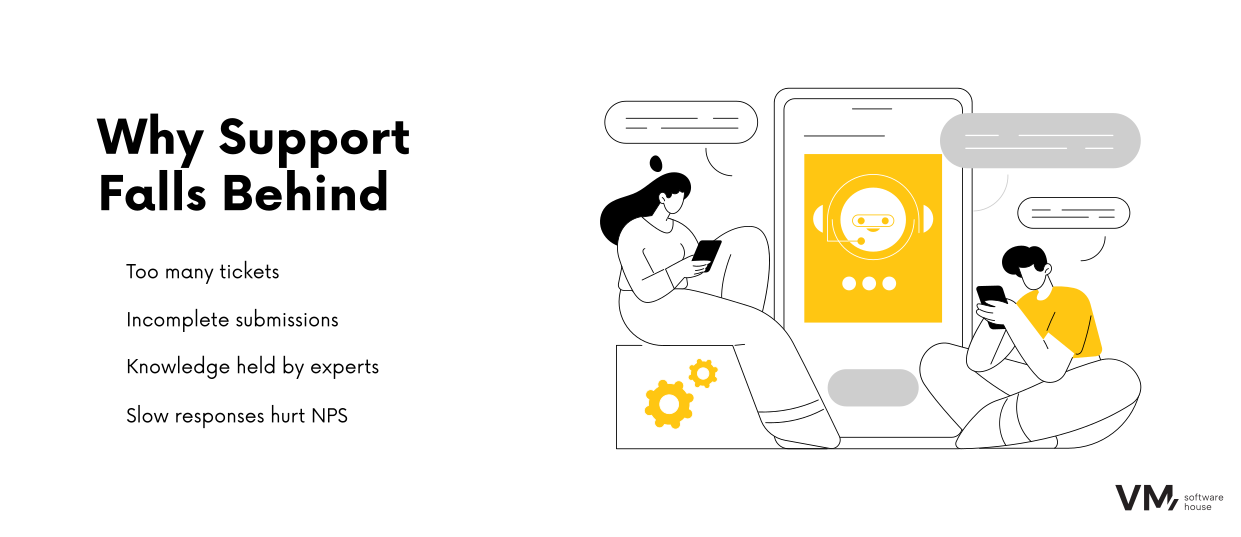
Technical support today is more than a cost center—it serves as a strategic customer touchpoint. It’s where customers decide whether to remain loyal or switch to a competitor. Yet most support teams struggle with repetitive challenges:
- Ticket overload – as the customer base grows, the ticket volume often increases faster than the team’s capacity.
- Incomplete tickets – a customer sends just a sentence or a screenshot, and the agent spends several minutes asking follow‑up questions.
- Knowledge silos – expertise about how to resolve issues resides in the heads of senior agents, making it difficult to onboard newcomers.
- Costly response time – every additional day of delay lowers customer satisfaction and raises the risk of churn.
Clearly, support efficiency is not only about operational cost—it’s a competitive advantage.
Meet the AI Support Assistant
Enter the AI‑Powered Support Assistant, designed in a Human‑in‑the‑Loop model. AI doesn’t replace humans—it acts like a junior support specialist that prepares data, analyzes the ticket, and suggests possible resolutions. The final decision always lies with a human.
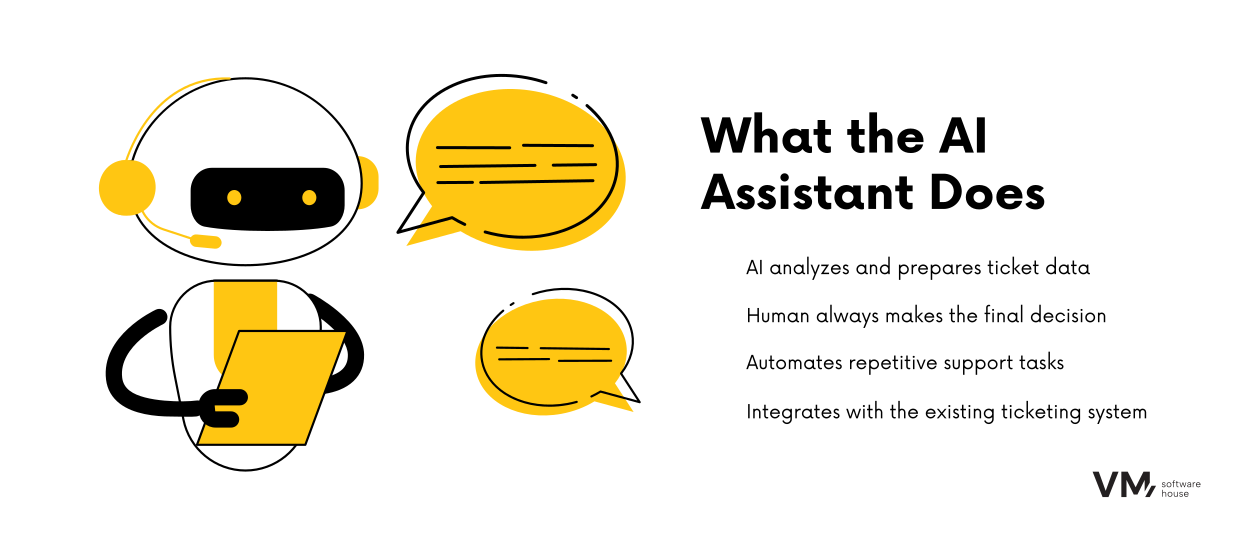
How staff work with the AI Assistant?
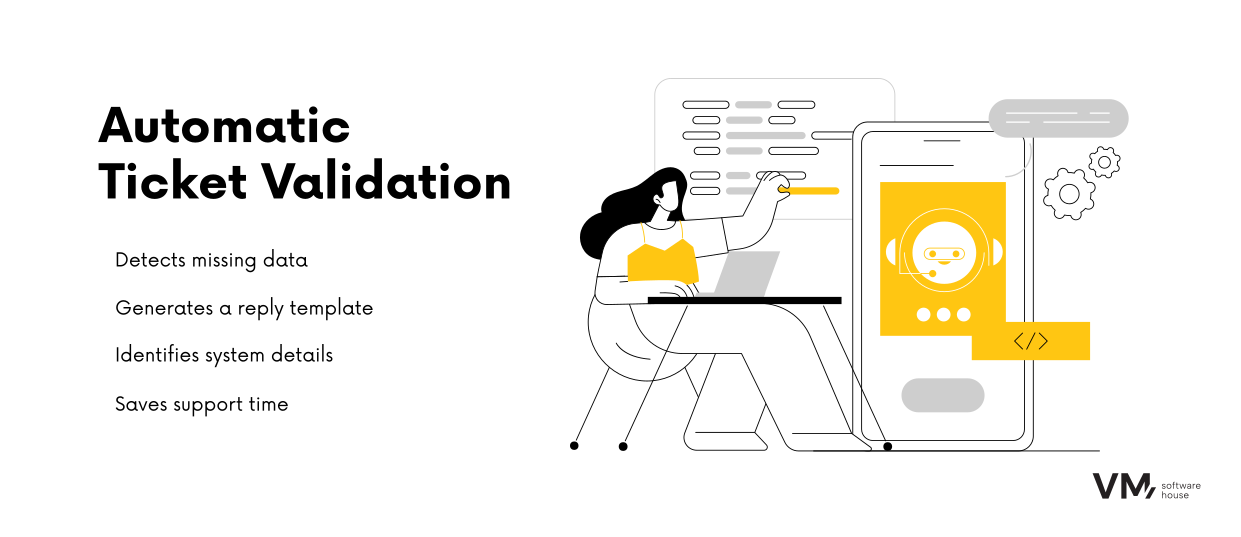
- Automated Data Analysis and Validation
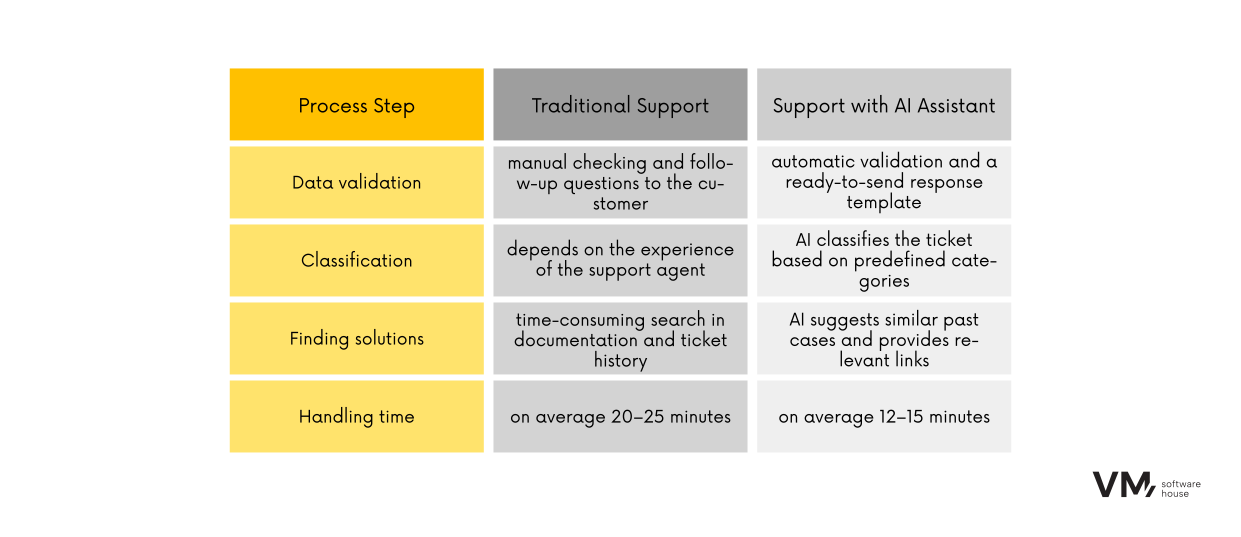
The assistant’s first task is to analyze the ticket content and verify whether all required details are provided. In practice, the system identifies key information such as software version, the module affected, or the client’s operating environment. If any data is missing, the AI generates a ready-to-send message asking the customer for clarification. The message is professionally and politely phrased, saving the agent time while giving the customer clear instructions on what to provide.
For example, if a customer writes: “The system isn’t working correctly, I can’t generate a report,” a human would need to ask: What software version? Which reporting module? What input data? The AI instantly recognizes the missing pieces and proposes a response like:
“Thank you for your ticket. To assist you effectively, please provide your system version and a sample input file.”
This allows the agent to respond in seconds instead of crafting a message from scratch—saving 10–15 minutes per ticket.
- Intelligent Ticket Classification
Once the data is validated, the assistant classifies the ticket into one of several predefined categories corresponding to common support issues. This helps streamline the workflow and ensures the ticket follows the correct path from the start.
- If the issue is known and documented in release notes, the assistant labels it as a known issue and suggests: “This bug was fixed in version 3.4.2. Please install the latest update.”
- If it’s a question about how the app works, such as “How can I set up monthly reports?”, the AI recognizes it as a functional question and links to the relevant documentation section.
- For unclear tickets—e.g., those containing only a screenshot with an error message—the system marks them as escalations or incomplete and routes them to a human for further review.
This classification eliminates the need for agents to manually assess each ticket’s nature and helps separate simple, quick-resolve cases from those requiring deeper investigation.
- Suggested Solutions and Historical Knowledge
The most valuable feature of the AI Assistant is its ability to suggest concrete solutions based on accumulated knowledge. As soon as a ticket is opened in the system, the support agent sees a set of organized suggestions in a side panel:
- Predefined response snippets that can be copied as-is or quickly tailored to the situation.
- Links to the exact sections of documentation, guides, or knowledge base articles—so instead of searching through hundreds of pages, the agent immediately gets directed to the right place.
- References to similar past tickets. If a similar issue was reported before, the Assistant highlights it along with a short note explaining why this solution is being recommended. For example: “A similar issue was logged in tickets #5772 and #6015. In both cases, the fix was installing patch XY.”
Example: A customer reports that a PDF export contains incomplete data. The AI analyzes the ticket and recalls that in two previous cases, the cause was an outdated export module. The Assistant suggests a ready-made response:
“This issue was resolved in version 3.5.1. Please update the export module. Installation instructions can be found here: [link].”
The support agent doesn’t need to search for a fix—the solution is instantly available.
Traditional Support vs. AI‑Assisted Support
Integration and Security
Modern technical support cannot function without robust data protection. That’s why the AI Support Assistant is built on secure foundations:
- Middleware Integration – supports both modern REST APIs and legacy SOAP systems, meaning companies don’t need to replace their current ticketing software.
- Data Anonymization – all sensitive data (e.g., company names, emails, names) is stripped before processing by the AI model.
- Hosted on Microsoft Azure – ensuring enterprise scalability and full GDPR compliance.
The 4D Methodology in Action
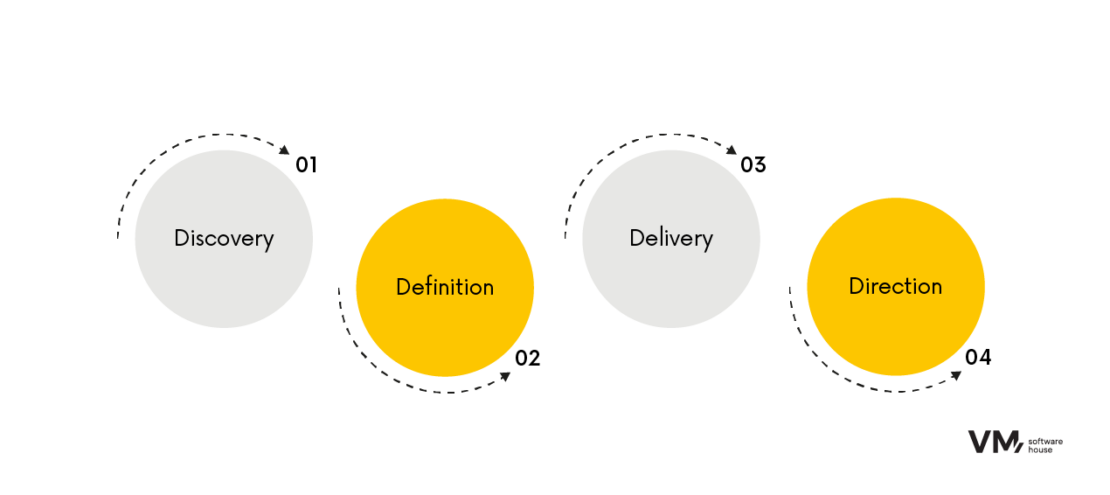
Our deployment framework is based on the proven 4D approach:
- Discovery
Audit of support workflows and ticket content to identify critical pain points (e.g., 40% of tickets lacked software version data). - Definition
Custom AI assistant design tailored to team needs, with clearly defined KPIs (e.g., reduce average handling time by 30%). - Delivery
Deployment into the client’s environment, full system integration, and real-life ticket testing. - Direction
Ongoing feedback loop (thumbs up/down) allows continuous learning and refinement. The assistant can also expand to new knowledge sources (wikis, knowledge bases, SharePoint).
Common Concerns from Support Managers
Support managers often ask whether AI might replace human agents. The answer is no. The Human-in-the-Loop model ensures that full control remains with the human agent. The AI assistant gathers information and makes recommendations, but the final response to the customer is always approved by a person.
Another frequently raised concern is the issue of AI “hallucinations”—the generation of inaccurate or fabricated content. This risk has been mitigated in the AI Support Assistant through Retrieval-Augmented Generation (RAG), which bases all answers strictly on the knowledge base provided by the client.
Data security is also a key concern. This is addressed by anonymizing all sensitive data and offering the option to deploy the system in the client’s private cloud.
Finally, integration with legacy ticketing systems is often questioned. The solution here is middleware, which acts as a bridge between technologies and ensures full compatibility, regardless of system age.
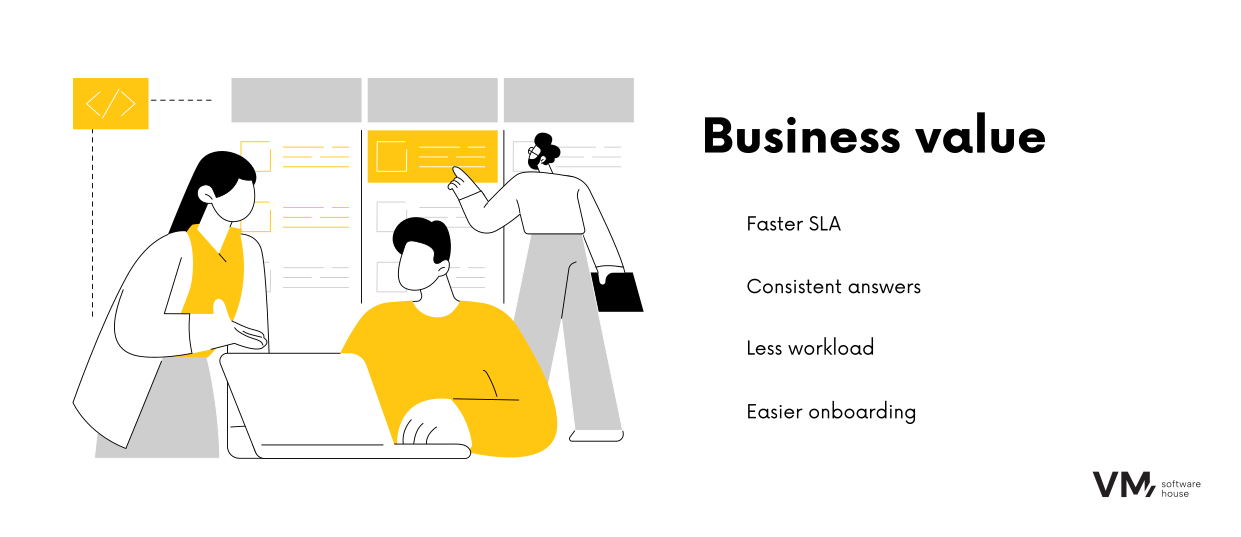
Business Value for Support Managers
From a support leadership perspective, implementing the AI Support Assistant delivers measurable outcomes:
- Reduced average ticket handling time – faster SLA compliance, fewer escalations, improved customer satisfaction.
- Consistent answers across the team – every customer receives reliable and uniform responses, regardless of who responds.
- Time savings for experts – less administrative work, more focus on strategic tasks.
- Lower team turnover – reduced burnout from high ticket volumes leads to higher retention.
- Scalability – the assistant can be expanded to other departments, such as IT helpdesk or customer onboarding.
The Future of Technical Support — and What It Means for Your Business
The AI‑Powered Support Assistant is just the beginning. While it already accelerates response times and improves support quality, its true value lies in its potential to evolve:
- Predictive support – in the future, the system will not only respond to issues but proactively detect risks and prevent incidents.
- ITSM process automation – integration with monitoring tools will allow the system to generate tickets and propose solutions automatically, before the customer even reaches out.
- Communication personalization – responses will be tailored to the user’s expertise (e.g., technical instructions for admins vs. step-by-step guides for end users).
In this model, the support department transitions from a reactive cost center to a strategic business enabler.
Want to explore how the AI‑Powered Support Assistant can work in your organization? Get in touch with our team of experts.
